
VaultDeck
Web admin consoles and server connections in tabs, grouped by system. For Windows.
Get it free from the Microsoft Store Windows 10 version 2004 or later, x64 · English and Spanish
Coming from mRemoteNG?
Import your confCons.xml and add your web consoles next to
it. VaultDeck also imports .rdp files, CSV and browser
bookmarks, and groups what you import by machine with what you already
had for the same host.
What it does
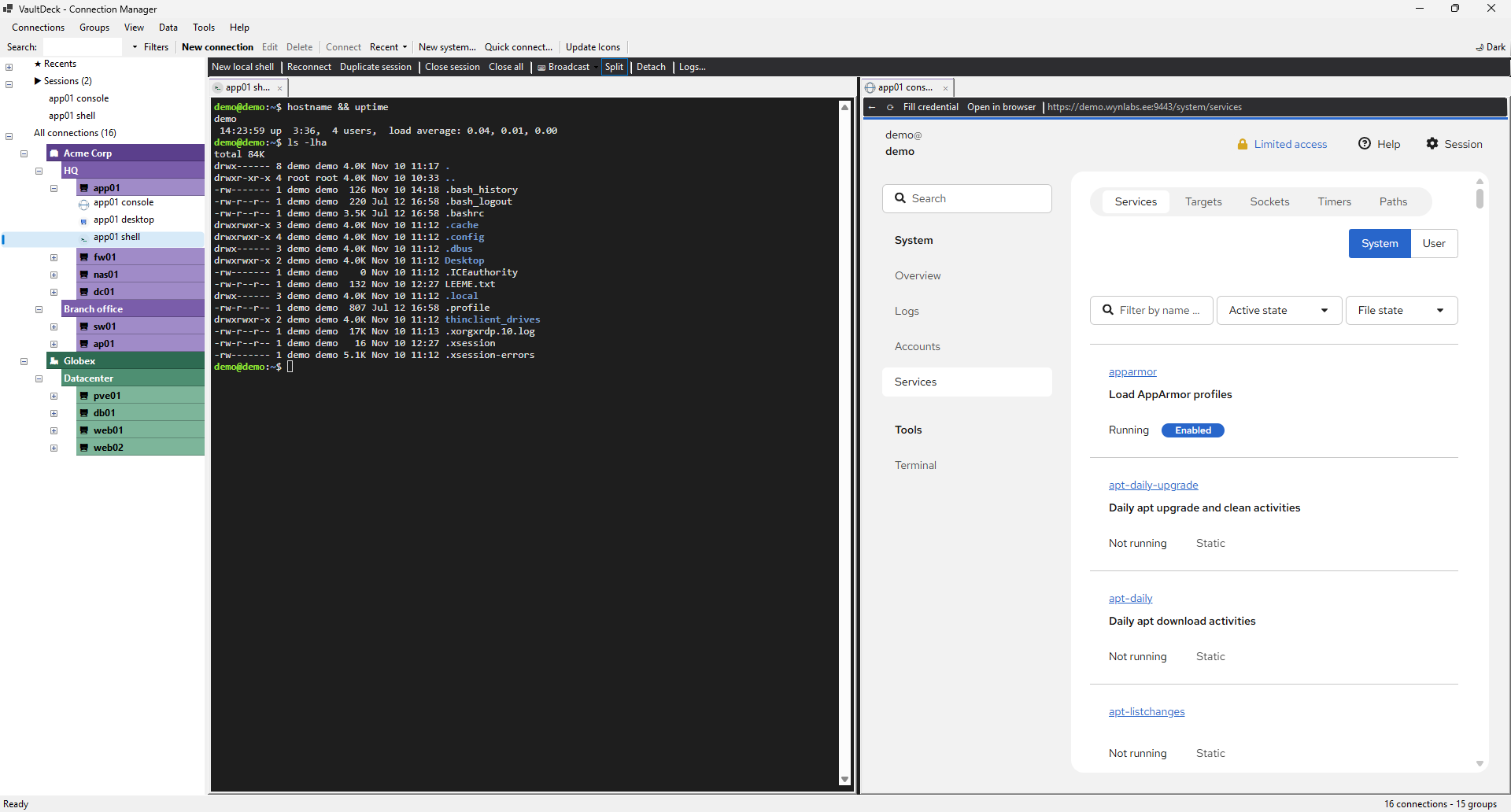
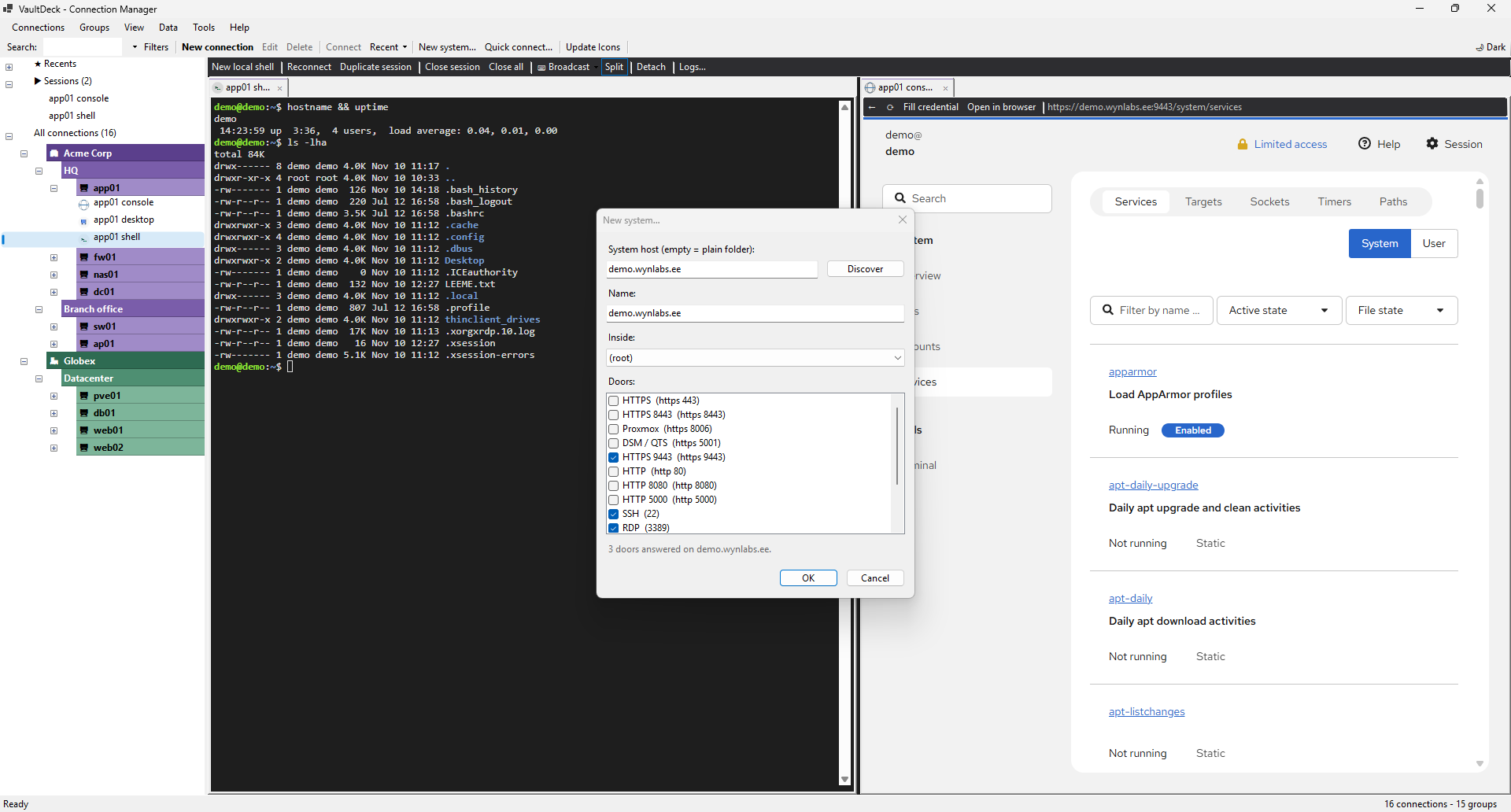
- Systems. One machine with all its doors: web console, SSH, RDP, Telnet, FTP. New system… probes the usual admin ports of a host and creates the doors that answer. Systems nest under customers or sites in one tree.
- Tabs. Web consoles, SSH, Telnet, local shells and RDP open as tabs in the same window, with split view and tabs you can detach into their own window.
- Web consoles in a tab. WebView2, with a separate browser profile per system. A self-signed certificate is accepted only if it matches the pinned fingerprint. Fill credential types the password only on that system's host.
- SSH built in. Key or password, local, remote and dynamic port forwarding, jump host, and host key verification on first connection.
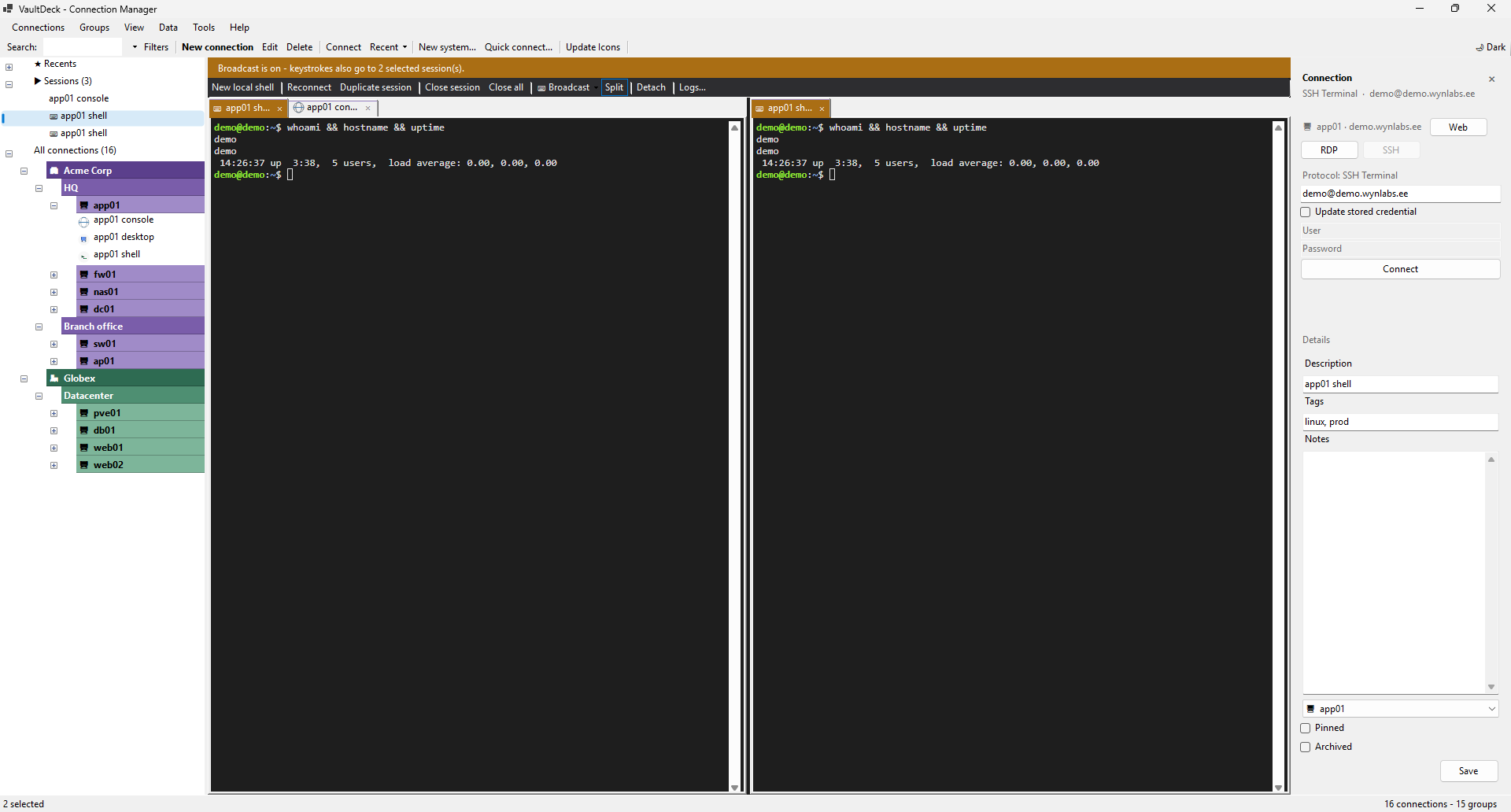
- Broadcast. Type into every open terminal session at once.
- Local commands in a tab. A program with its
arguments and working folder —
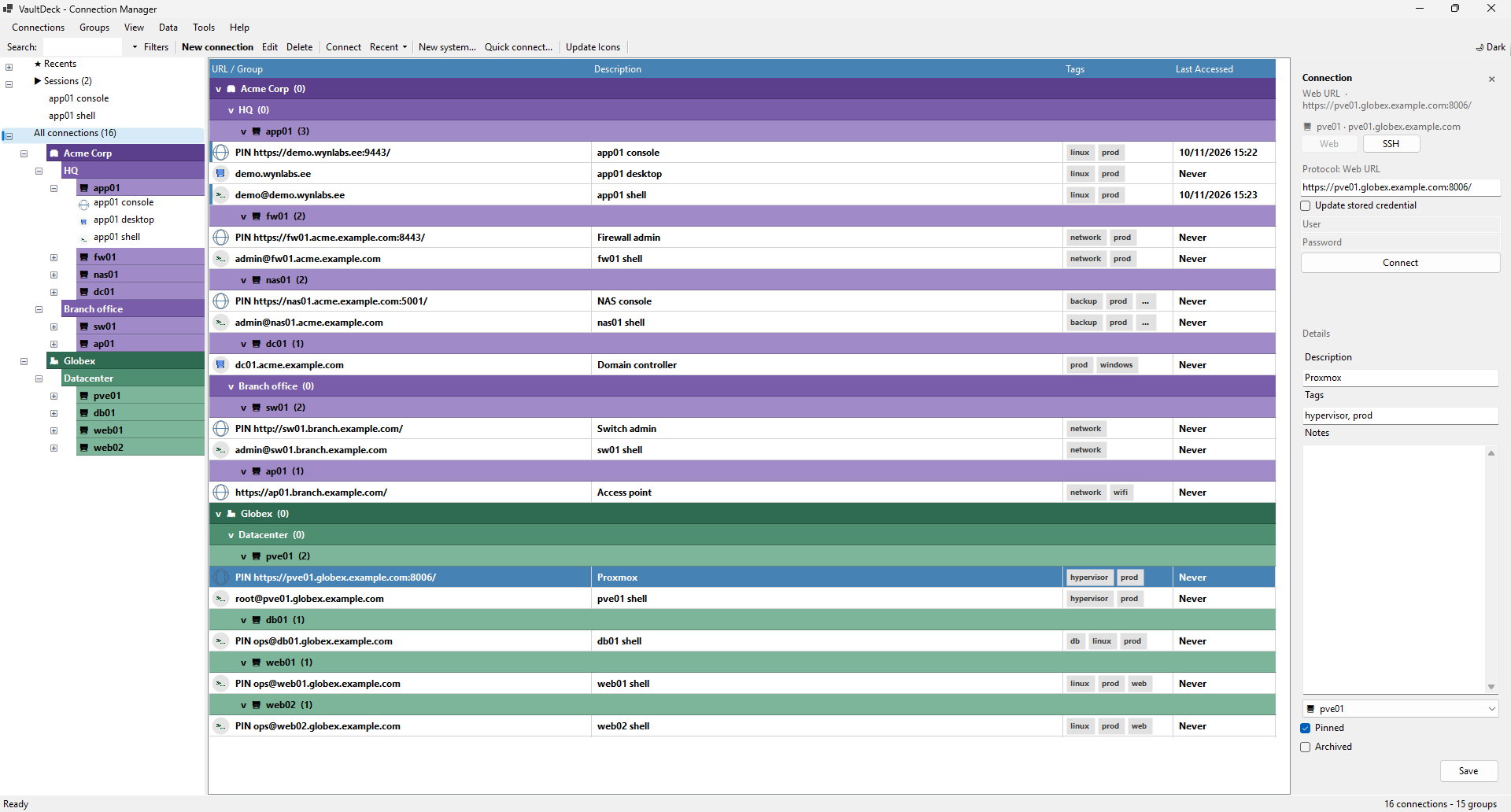
claudeorcodexin a project folder, for example. - Keep it tidy. Tags, filters, advanced search,
smart folders, a recycle bin, history, a command palette
(
Ctrl+K) and quick connect (Ctrl+Shift+R). Infrastructure status shows broken, duplicate and ungrouped connections in one view, plus health checks and Wake-on-LAN.
What stays on your machine
- No account, no sign-in, no server of ours.
- No telemetry, no analytics, no crash reports, no update checks.
- Passwords go to Windows Credential Manager, not to files. An optional master password encrypts your data and your backups (AES-256-GCM).
- The local API is off by default; turned on, it needs a key and only answers on the machine itself.
The only network traffic is what you start: the connections you open, page titles and favicons of the sites you save, and your health checks. When a site has no favicon of its own, its host name is sent to Google's favicon service to fetch one. Details in the privacy policy.
How it compares
Honestly: the other two do more in some places. Pick by what you need.
| VaultDeck | mRemoteNG | Royal TS (Windows) | |
|---|---|---|---|
| Price | Free | Free, open source (GPL-2.0) | Free Lite edition (10 connections); €49 per user, no subscription |
| Platforms | Windows | Windows | Windows; separate apps for macOS, iOS and Android |
| Protocols | Web, SSH, RDP, Telnet, FTP, local shell; VNC in an external viewer | RDP, VNC, SSH, Telnet, HTTP/HTTPS, rlogin, raw, PowerShell remoting, AnyDesk | RDP, VNC, SSH, Telnet, serial, web, FTP/SFTP/SCP, TeamViewer, VMware, Hyper-V, PowerShell and more |
| Web consoles | WebView2, a separate browser profile per system | HTTP/HTTPS connections; engine not stated | Internet Explorer or Chromium based, a dedicated engine per connection |
| Latest stable release | 2.1.11, November 2026 | 1.76.20, April 2019; nightly builds since | — |
| Install | Microsoft Store | winget, MSI or ZIP | From their site |
Compared on 12 November 2026 from mremoteng.org, its GitHub repository and royalapps.com; a dash means we did not find it stated there. If something here is out of date, tell us at info@wynlabs.ee.
Requirements
- Windows 10 version 2004 or later, x64.
- WebView2 Runtime for web consoles and terminals: it comes with Windows 11, and with Edge on Windows 10.
- RDP uses
mstsc.exe, which comes with Windows, and also works againstxrdpon Linux. - Optional external viewers: VNC and Telnet can open in TightVNC, RealVNC, UltraVNC or PuTTY if you choose to. VaultDeck does not ship them.